How to Reset Your cPanel Password
If you are having trouble logging into your website control panel (cPanel), don't worry!
You can easily reset your password by following these simple steps.
If self-service resets are enabled and you have access to your account's contact email, this is the quickest method.
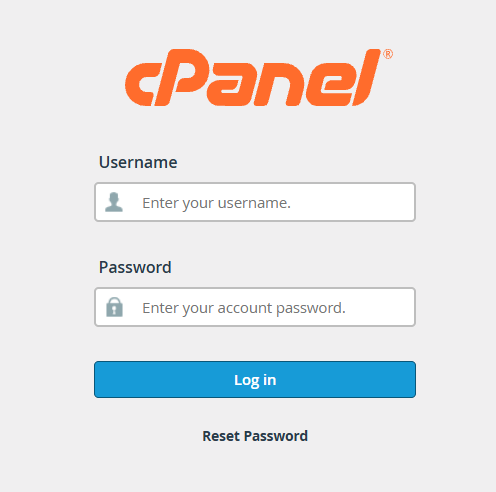
Open your login page: Go to your domain's cPanel link
(this is usually https://yourdomain.com or https://yourdomain.com:2083).
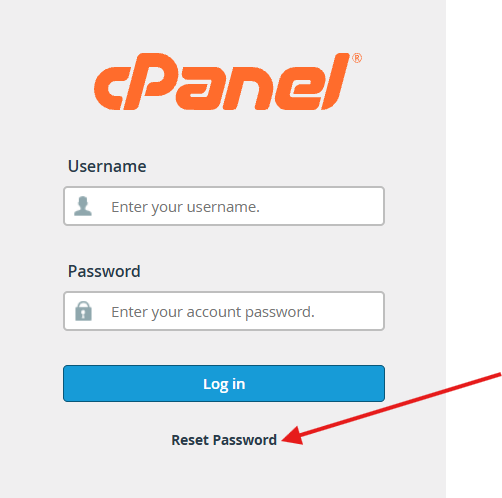
Click the link:
Right beneath the login box, click Reset Password.
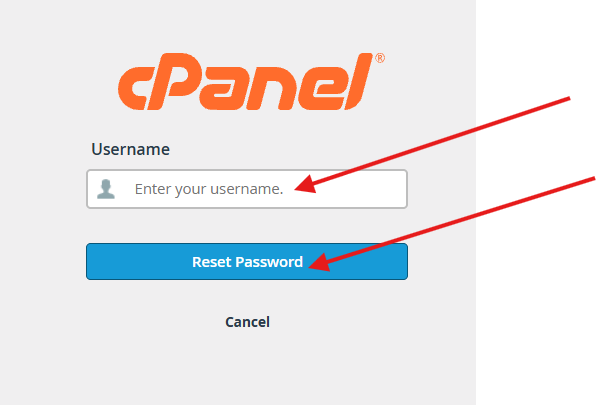
Enter your username:
Type in your main account username (not your email) and click Reset Password.
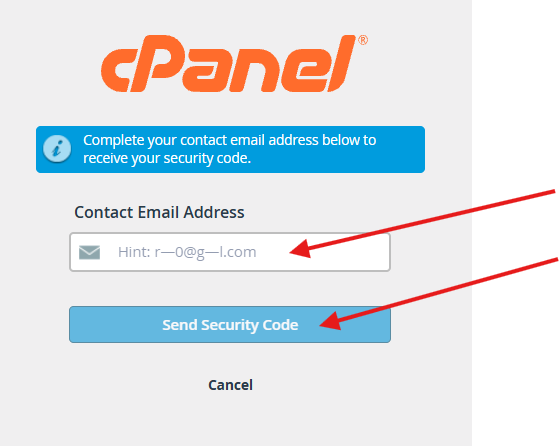
Request a code: Enter your account's registered
Contact Email Address and click Send Security Code.
Keep this browser page open!
- Check your email:
Open your accounts contact email inbox in a new tab,
copy the security code sent to you, and paste it back into the cPanel reset page. - Create a new password: Choose a strong new password, confirm it, and you're good to go!